The Brutal Truth
What to automate vs keep human
| Step | Automate? | Owner |
|---|---|---|
| ICP list pull | Yes (with filters) | RevOps / agency |
| Email verification | Yes (waterfall) | Tools + QA sample |
| Sending + follow-ups | Yes | Sequencer |
| Objection handling / booking | Mostly human | Inbox owner |
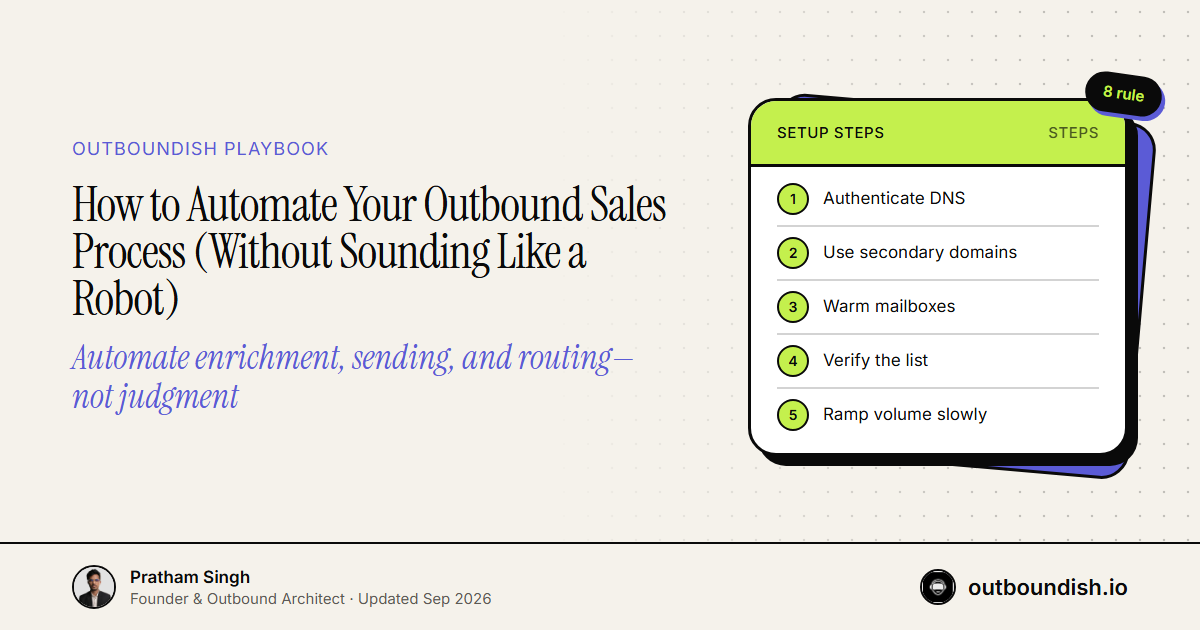
Automate enrichment, sending, and routing—not judgment. The winning stack is ICP filters → waterfall verify → multi-domain email + LinkedIn → human inbox for qualified replies.
If your messaging is generic AI slop, automating it will only accelerate the burning of your domains and your reputation. True automation in 2026 isn't about removing the human from the equation; it's about automating the repetitive, high-friction tasks so you can spend your time actually selling. Here is how you build a machine that runs while you sleep, without sacrificing the personalization that actually books meetings.
The Core Problem
The fundamental error founders make is trying to automate the thinking part of outbound. They rely on cheap AI to write the emails, resulting in the dreaded "Hope this finds you well" and "I saw your company on LinkedIn" garbage.
The math is simple: If you spend 0 seconds researching a prospect, they will spend 0 seconds reading your email.
The problem to solve isn't how to write 10,000 emails a day. The problem is how to source 500 highly qualified leads, enrich them with perfect data, and orchestrate a multi-channel sequence so seamlessly that the prospect feels like you are speaking directly to them. That is the automation we are building.
The Playbook
To automate outbound effectively, you have to build a system of triggers, enrichments, and multi-channel actions.
Step 1: Automating Intent (The Trigger)
Stop pulling static lists. You need dynamic lists that update based on buying signals. - The Setup: Use Sales Navigator saved searches. Set alerts for when your target personas change jobs, when target companies raise funding, or when they hire specific roles. - The Automation: This is your trigger. When a signal happens, the prospect enters your pipeline.
Step 2: Automating Enrichment (The Data)
You have the prospect; now you need their contact info. - The Setup: Connect your scraping tool (like Phantombuster or Clay) to Apollo or your preferred data provider. - The Automation: When a new prospect hits your trigger list, the system automatically runs them through Apollo to find their verified work email and LinkedIn URL. If the email bounces or isn't verified, the automation drops them. You only send to verified addresses.
Step 3: Automating Multi-Channel Sequences (The Execution)
This is where the magic happens. You need to connect your email sender and your LinkedIn automation tool. - The Setup: Integrate Smartlead (for email) and HeyReach (for LinkedIn). - The Automation: - Action 1: The system automatically views their LinkedIn profile via HeyReach. - Action 2 (Time Delay): Wait 2 hours. Send a hyper-targeted email via Smartlead referencing the trigger event (e.g., "Saw you just raised your Series A"). - Action 3 (Conditional): If they don't reply to the email in 2 days, HeyReach automatically sends a LinkedIn connection request.
Real-world Examples / Frameworks
Here is a visual framework of a high-converting automated workflow:
[Sales Nav Trigger: "VP of Sales hired at target company"]
       |
       v
[Data Enrichment API: Fetch Email & LinkedIn URL]
       |
       +---> [Check: Email Verified?] --(No)--> [Discard/Manual Review]
       |
     (Yes)
       |
       v
[Smartlead Campaign: Dynamic Variable Injection]
Subject: your new role at {{Company}}
Body: "Saw you just took over the sales org at {{Company}}. Usually when new VPs start, pipeline generation is the first bottleneck..."
       |
       v
[Wait 48 Hours]
       |
       v
[HeyReach Campaign: LinkedIn Connection Request]
Note: "Hey {{FirstName}}, just sent you an email about the new role at {{Company}}, but figured I'd connect here too."
Notice what is automated: The data gathering, the timing, the execution. Notice what is NOT automated: The core premise of the message. The message is pre-written by a human, triggered by a specific event.
Conclusion
Automation is a weapon. In the hands of a lazy founder, it's a weapon of mass annoyance. In the hands of a smart operator, it's a revenue-generating machine. Stop trying to automate the creativity out of your outreach. Automate the data routing, the inbox rotation, and the multi-channel steps. Write brilliant, trigger-based templates, and let your stack do the heavy lifting of putting those templates in front of the right people at the exact right time.
Looking to scale enterprise outreach safely across multiple warmed profiles without hitting weekly invitation caps? See how our dedicated LinkedIn outbound agency pods book qualified meetings directly on your sales team's calendar.
Technical Reference: Review the official Google Workspace Admin Email Sender Guidelines for technical deliverability requirements.
People Also Ask
Automate triggers, enrichment, inbox rotation, and CRM routing. Keep humans on the offer, the angle, and qualified replies. Automating generic AI copy just burns domains faster.
Signal capture (Sales Nav alerts, funding, hiring), waterfall email verification, and multi-mailbox sending. Those tasks are high-friction and repeatable. First-line strategy is not.
If you spend zero seconds on the prospect, they spend zero seconds on the email. Templates should bind to a tight segment and a real trigger, not “I saw your company on LinkedIn.”
Trigger → enrich and verify → email plus LinkedIn sequence → a human takes positive replies. If a tool writes and sends unreviewed copy at 10,000 a day, it is a spam cannon.